Subway Online Ordering & Delivery: Cheapest Way to Order
There are five different ways to get a Subway sandwich without queueing, and they do not cost the same money. The spread between the cheapest and the most expensive route on an identical order is routinely eight dollars. Here is how each one works and when to use it.
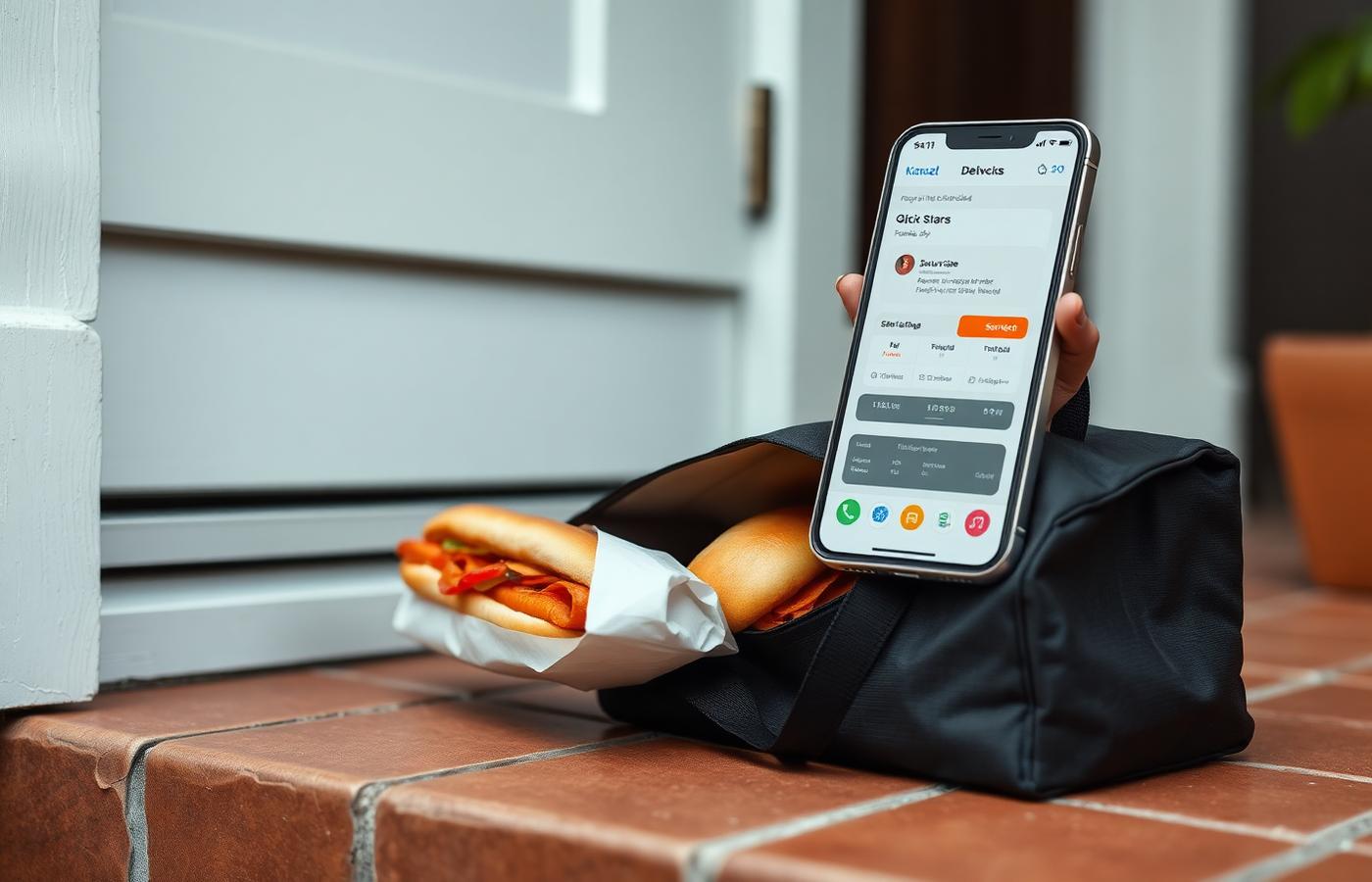
The five ways to order
- In store at the counter. Still the best for a complicated build, because you can see the sandwich being made and correct it in real time.
- In-store pickup, ordered online. Order on subway.com or in the app, walk in, take the bag off the pickup shelf. Skips the queue entirely and costs nothing extra.
- Curbside pickup. Same order flow, but staff bring it to your car. Offered at participating stores; check the badge on the listing via the store locator.
- Subway direct delivery. Ordered through Subway's own channels; the delivery itself is usually fulfilled by a courier partner behind the scenes, but the pricing, offers and rewards stay Subway's.
- Third-party marketplace delivery. DoorDash, Uber Eats or Grubhub. Fastest to discover, most expensive to use.
What each route really costs
Below is a realistic comparison for the same order — two Footlongs and two drinks — at a typical suburban US store. Exact numbers vary by market and by franchisee, but the shape of the difference holds nationally.
| Route | Menu subtotal | Added fees | Typical total |
|---|---|---|---|
| Counter / in-store pickup | $011.00 base | None | Lowest possible |
| Online pickup | Menu price | None | Menu price + tax |
| Curbside | Menu price | None | Menu price + tax |
| Subway direct delivery | Menu price | Delivery fee, tip | +$4 to $7 |
| Third-party app | +15–25% markup | Service + delivery fee, tip | +$9 to $16 |
The rule of thumb
Pickup is free. Subway's own delivery costs you a delivery fee. A third-party app costs you a delivery fee and a hidden markup on every item and your access to Subway coupons and rewards. If you are ordering on value, that last route undoes every saving described in the deals guide.
Ordering in the Subway app
The app is the one route that gets cheaper the more you use it, because MVP Rewards tokens accrue on every direct order and app-exclusive offers do not exist anywhere else. Practical setup, once:
- Set a favourite store. Offers are store-specific; without a saved location you see a shorter, blander list.
- Save your usual build. Reordering becomes two taps and removes the risk of a rushed employee mishearing eleven toppings.
- Check the offers tab before building the order. Some deals require you to start from the offer rather than apply it at checkout.
- Watch for the "currently accepting orders" state — it is a better live signal than the published hours in the hours guide.
Full details on the points system, tiers and redemption thresholds are in the MVP Rewards guide.
DoorDash, Uber Eats and Grubhub
The marketplaces are genuinely useful in two situations: when you are ordering from several restaurants at once for a group, and when you already hold a platform subscription that waives delivery fees. Outside those, you are paying a meaningful premium for a discovery experience you did not need.
Be aware of the practical differences too. Customisation menus on third-party apps are flattened, so complex builds get lost more often. Missing-item refunds go through the platform rather than the store, which is slower. And Subway's own promotions, including Sub of the Day pricing, do not carry across.
Keeping the sandwich good in transit
Subway travels worse than most fast food because the structure depends on bread that has not yet absorbed the sauce. Four things measurably help:
- Sauce on the side for any journey over ten minutes. This is the single biggest improvement available.
- Skip the toasting on delivery orders unless the store double-bags. A toasted sub steams itself soft inside a sealed bag.
- Order Hearty Multigrain. It holds moisture better than the cheese-topped loaves — see the bread guide.
- Keep wet vegetables separate — tomatoes and pickles are the usual culprits in a soggy delivery.
When an order goes wrong
For direct Subway orders, contact the store first — the phone number is on the confirmation and on the locator listing. Franchisees generally remake or credit without argument when you call promptly. If the store will not resolve it, Subway's central customer care form handles escalation.
For third-party orders, the store cannot refund you; the platform holds the money. Report the problem inside that app on the same day, with a photo where relevant. Reporting late materially reduces the chance of a full refund on every major platform.
Frequently asked questions
Does Subway deliver?
Yes. Most US locations deliver either directly through subway.com and the Subway app, or through DoorDash, Uber Eats and Grubhub. Direct ordering keeps in-store menu pricing and lets you use Subway coupons and MVP Rewards; third-party apps usually mark the menu up before fees.
Is it cheaper to order Subway on the app or on DoorDash?
Almost always the app. Third-party platforms typically inflate item prices by 15 to 25 percent, then add service and delivery fees on top. On a two-sandwich order the difference is commonly $6 to $10, and Subway's own offers do not apply on those platforms.
What is Subway curbside pickup?
You order and pay in the app, choose curbside, park in the marked bay and tap 'I'm here'. A team member brings the bag out. It is offered at participating stores and is usually the fastest way to get lunch during the 12 to 1 p.m. rush.
Can I use Subway coupons on online orders?
Yes on Subway's own website and app — promo codes go in at checkout, and app-exclusive offers apply automatically. No on DoorDash, Uber Eats or Grubhub, which run their own unrelated promotions.
How far in advance can I schedule a Subway order?
The app lets you schedule pickup and delivery orders for later the same day and, at most stores, for future days. Large group orders should go through catering instead, which needs more notice.