The Subway App: Ordering, Rewards and Every Hidden Feature
The Subway app has quietly become the easiest way to skip the counter line, stack up rewards points and catch offers that never make it to the in-store menu board. Here's what it actually does, what it doesn't, and how to get the most out of it.
What the app does
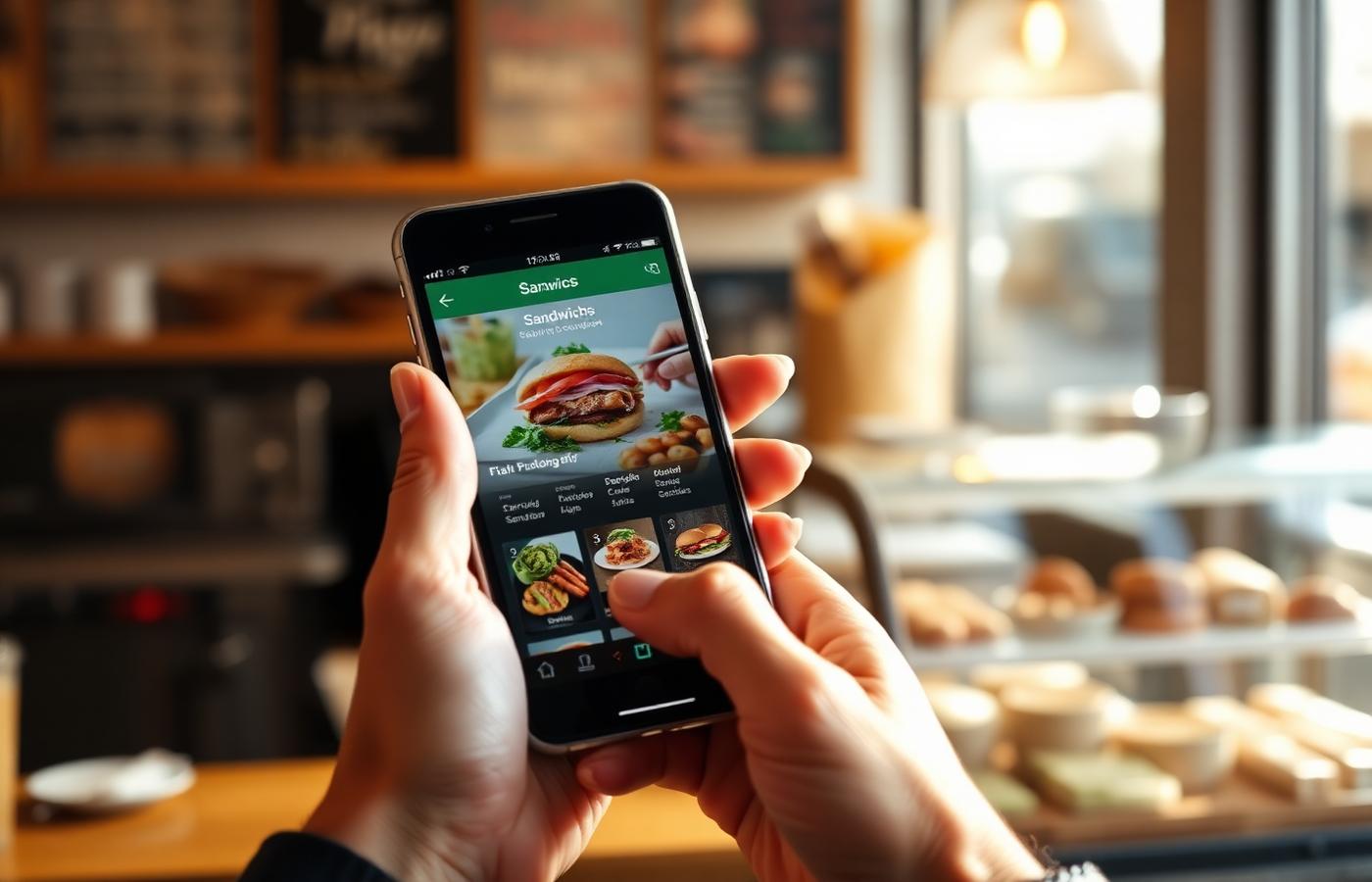
The Subway app is the company's official mobile ordering and loyalty tool, available for free on iOS and Android. At its core it does three things: lets you build and pay for an order ahead of a store visit, tracks your MyWay Rewards points, and surfaces deals that are sometimes only available through the app rather than at the counter or on the general Subway menu.
It also stores your favorite orders so you can reorder a usual sandwich in a couple of taps, which is genuinely useful if you order the same build most weeks and don't want to rebuild it from scratch every time.
Setting up an account
Creating an account takes an email address or phone number and a few basic details. Once it's set up, the app asks for location permission so it can find nearby stores and show accurate menu items and prices for that specific location, since pricing and availability vary by franchisee across the US.
One account, multiple ways to use it
The same account works whether you're ordering ahead through the app, scanning a QR code at the register to earn points on an in-store purchase, or checking your rewards balance before deciding whether to redeem points on today's order.
Ordering ahead
Mobile order ahead is the feature most people open the app for. You pick a location, build your sandwich, salad or wrap exactly the way you'd build it at the counter — bread, protein, cheese, toppings, sauces — choose a pickup time, and pay with a saved card, gift card balance or Apple Pay/Google Pay. When you arrive, the order is usually staged on a pickup shelf near the front, separate from the regular line.
This is especially useful during lunch rush at busy locations, and it also makes it easier to get a consistent order if you're picky about proportions — you can see exactly what you've selected before submitting, rather than talking a sandwich artist through it item by item.
MyWay Rewards inside the app
MyWay Rewards is Subway's points-based loyalty program, and the app is the primary way most people track and redeem it. You earn points on qualifying purchases whether you order in the app or scan your account QR code at checkout in a physical store, and the app shows your running balance along with what tier of reward you're closest to unlocking. For the full mechanics of how points are earned and redeemed, see the Subway Rewards guide.
The app also handles redemption automatically at checkout for mobile orders — if you have enough points for a free item or a discount, it will typically prompt you to apply it rather than making you dig through a separate rewards tab.
App-exclusive deals
Some of Subway's national promotions run through the app specifically, either as a push-notification offer or a code that only appears in the app's deals tab. These can overlap with the broader Subway deals and coupons that run through email or the website, but the app tends to get first access to limited-time or regionally targeted offers.
| Scenario | Typical benefit | Notes |
|---|---|---|
| Mobile-order-only promo code | 10% – 20% off order | Rotates periodically, not always active |
| Points redemption on a Footlong | Free or discounted item | Requires enough accumulated points |
| Birthday or signup offer | Free item or small discount | One-time, tied to account creation |
Franchisees set final menu prices, so a promo code discount is applied against whatever that specific store charges, not a fixed national price.
Common issues
The most frequent complaints about the app involve store-specific syncing — a location's hours, menu items or promotions showing incorrectly because that franchise hasn't updated its system, not because of a nationwide bug. If your order doesn't show up as expected or a promo won't apply, contacting the specific store or Subway customer support directly usually resolves it faster than repeatedly reinstalling the app.
It's also worth double-checking your pickup location before submitting an order, since the app defaults to the last store you used or the nearest one by GPS, which isn't always the one you actually meant to order from.
Frequently asked questions
Is the Subway app free to use?
Yes, the app is free to download for iOS and Android and free to use. You don't pay anything to create an account or join MyWay Rewards through it — you only pay for the food you order.
Does ordering through the app earn more rewards than ordering in person?
The point-earning rate is generally the same whether you scan your rewards code in store or order through the app, since both feed into the same MyWay Rewards account. The advantage of the app is that it surfaces app-exclusive offers and lets you redeem points at checkout automatically instead of having to ask.
Can I use the app to order ahead and skip the line?
Yes, mobile order ahead is one of the app's main features — you build your order, choose a pickup time and location, and pay in the app, then walk in and grab it from the pickup shelf or counter without waiting in the regular line.
Why does my local Subway not show up correctly in the app?
This usually happens with newly opened, recently remodeled, or independently managed franchise locations that haven't fully synced their menu or hours with the app's backend. If a store shows the wrong hours or missing items, it's worth calling the location directly rather than assuming the app is right.
Does the app work for catering orders?
Catering is typically handled through Subway's separate catering ordering site rather than the main consumer app, since catering requires more lead time and larger order forms. The regular app is built around single-visit orders and rewards, not group platters.